

- hits 20
- 등록일 2024.10.11
During peak seasons, like holidays, it takes a long time at the airport unill boarding on the plane.
In particular, it is inconvenient and annoying that we need to take out your passport and boarding pass multiple times at the airport.
It might also make you feel worried about losing your passport and boarding pass during waiting your flight.
For this reason, if you plan a trip from Incheon Airport, how about downlading the mobile application of Incheon Airport 'Smart Pass'?
It will allow you to pass through the departure gate easily with facial recognition instead of yoru passport!
How to register the Incheon Airport <Smart Pass> app
1. Registering your Smart Pass ID

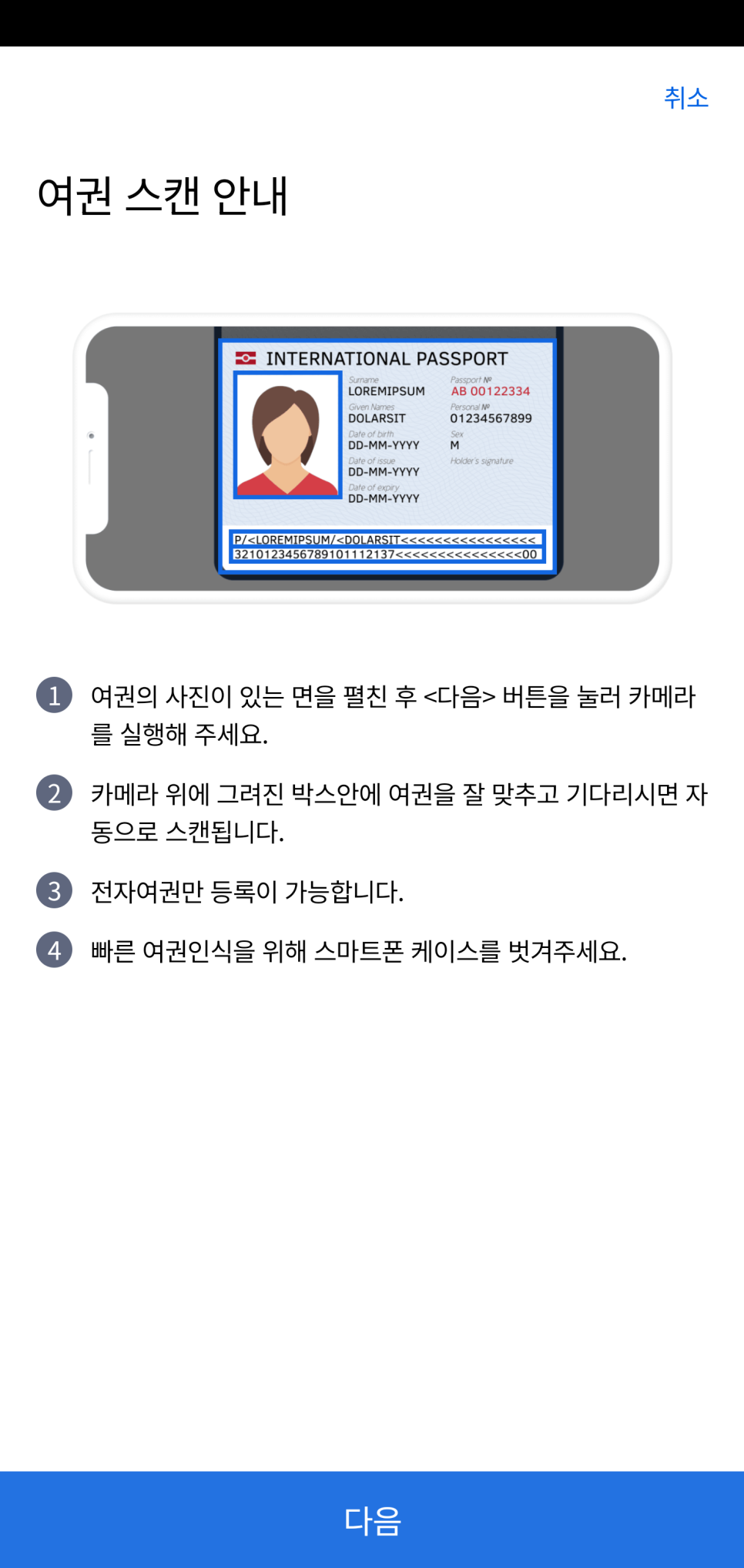
Click the 'Register Smart Pass ID' button on the main page.
Scan your passport by following the instruction on the screen.
📍 Caution: Only e-passports can be registered


The NFC recognition module is normally located in the center of the back of the phone for Android phones, and at the top for iPhones.
Therefore, please place your passport near that location.


Next, you need to take a picture of your face.
You will take pictures twice, with your eyes open and with your eyes closed.
When you press the START button, it will start immediately, so please take a pose before pressing the button.
If you have followed steps to this point, you have completed registering your Smart Pass!
2. Registering your boarding pass
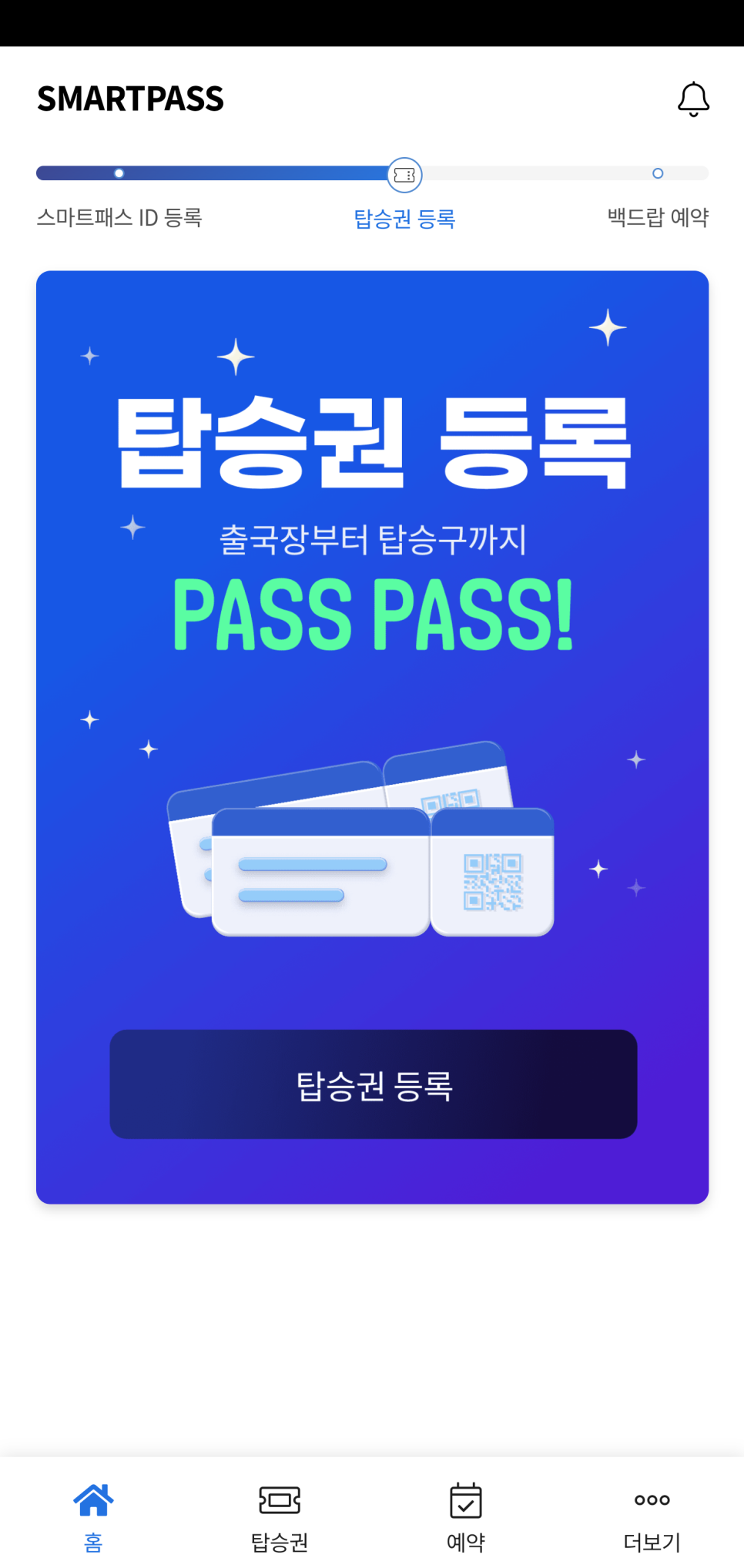

If you have completed registering your Smart Pass ID, you can also register your boarding pass information.
Select the corresponding Smart Pass ID from the 'Boarding Pass' menu.
If you press the 'Register QR of Mobile Boarding Pass' button, you can register with a screenshot of your mobile boarding pass,
or if you press the 'Scan Barcode of Paper Boarding Pass' button, you can register by scanning the barcode of your actual boarding pass.
3. Backpack Reservation

There is also a 'Backdrop Reservation' within Smart Pass.
If you make a reservation and visit, you can conveniently check your baggage with just facial authentication!
* Please note that the Smart Pass Backpack Reservation service has not been officially opened yet.
⚠️Caution
Even if you register Smart Pass, please be sure to take your passport and boarding pass when traveling!
Download Smart Pass App
You can download it by searching for 'Smart Pass' in the Android Google Play Store or Apple App Store.
📍 Google Play Store
https://play.google.com/store/apps/details?id=kr.airport.android.smartpass&hl=ko&gl=US
📍 Apple App Store
https://apps.apple.com/kr/app/icn-smartpass-%EC%9D%B8%EC%B2%9C%EA%B3%B5%ED%95%AD-%EC%8A%A4%EB%A7%88%ED%8A%B8%ED%8C%A8%EC%8A%A4/id6443837919